
So your OnlyFans payment isn’t going through, and you’re seeing “Transaction could not be processed at this time”? Don’t panic. It’s a common error for fans and creators alike, and it’s usually caused by the bank or the card rather than by your account.
Below we explain what the error means, the most likely causes, and how to fix it, step by step. We also cover the most common payout problems for creators.
Key takeaways
- “Transaction could not be processed” usually means the payment was declined by your bank or failed a security check, not that your OnlyFans account has a problem.
- The most common causes are a failed 3D Secure check, insufficient funds, wrong card details, or a bank that blocks or flags adult merchants.
- Most fixes take a few minutes: check your card details, approve the payment in your banking app, or call your bank.
- If your bank says it approved the payment, contact OnlyFans support.
- For creators, rejected payouts are usually caused by incomplete verification or wrong bank details.
What does “OnlyFans transaction could not be processed” mean?
The message appears when a payment or wallet top-up fails. OnlyFans doesn’t tell you the exact reason, but behind it is usually one of these:
- A decline from your bank, for example because of insufficient funds, a spending limit or a block on the merchant.
- A failed 3D Secure check, the extra step where your bank asks you to approve the payment in its app or with a code.
- Wrong or outdated card details, such as an expired card or a billing address that doesn’t match.
- A card type that isn’t accepted, such as some prepaid or virtual cards.
- A security flag on the OnlyFans side, for example after several failed attempts in a row.
Adult platforms are treated as high risk by banks and card schemes, so their payments are checked more closely. That is why the same card can work in other shops but fail on OnlyFans.
Common OnlyFans payment errors and what they mean
| What you see | What it usually means | What to try |
|---|---|---|
| “Transaction could not be processed at this time” | Your bank declined the payment or a security check failed. | Work through the fixes below, starting with your card details and banking app. |
| “This charge requires authentication” or “authentication rejected” | Your bank’s 3D Secure check wasn’t completed or was declined. | Try again and approve the payment in your banking app. Make sure the app is up to date and notifications are on. |
| Card greyed out | The card can’t be used for this payment right now, for example because it failed verification or has expired. | Remove the card, add it again with the correct details, or add a different card. |
| Wallet credits not working | The top-up failed, or the wallet balance doesn’t cover the purchase. | Check whether the top-up went through, then retry. If money left your account but no credit appeared, contact OnlyFans support. |
| Card declined | Your bank refused the payment. | Check your balance and limits, then call your bank and ask why. |
How to fix OnlyFans payment not processing
- Check your card details. Card number, expiry date, CVV and billing address must match exactly what your bank has.
- Check your balance and limits. Make sure there are enough funds and that you haven’t hit a daily or online spending limit.
- Approve the payment in your banking app. Many failures are 3D Secure checks that timed out. Keep the app open when you pay.
- Check your card’s blocks. Some banking apps let you block categories of merchants. Make sure online payments, and adult merchants if your bank offers that setting, aren’t blocked.
- Wait before retrying. Several failed attempts in a row can trigger security blocks at your bank or on the platform. Give it some time.
- Try a different card. A credit card instead of a debit card, or a card from another bank, often works.
- Call your bank. Ask whether the payment reached them and why it was declined. Banks sometimes block a first payment to an adult platform as a precaution and will allow it once you confirm it was you.
- Contact OnlyFans support. If your bank says it approved the payment, the problem is on the platform side. Use the OnlyFans support page.
If none of this helps, check whether your purchase might clash with OnlyFans’ terms of service, for example if your account has been limited after a dispute.
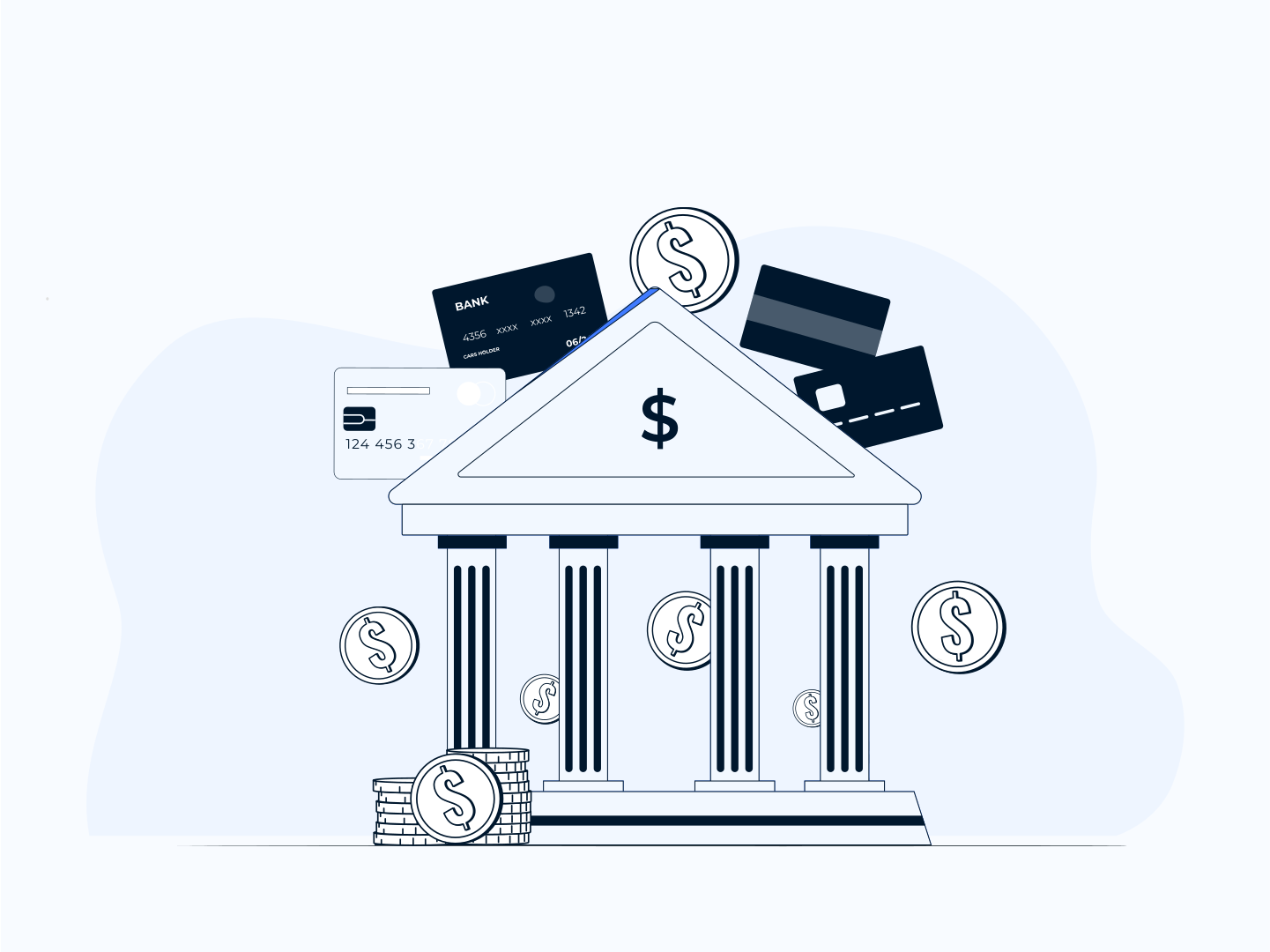
Why do adult platforms have more payment problems?
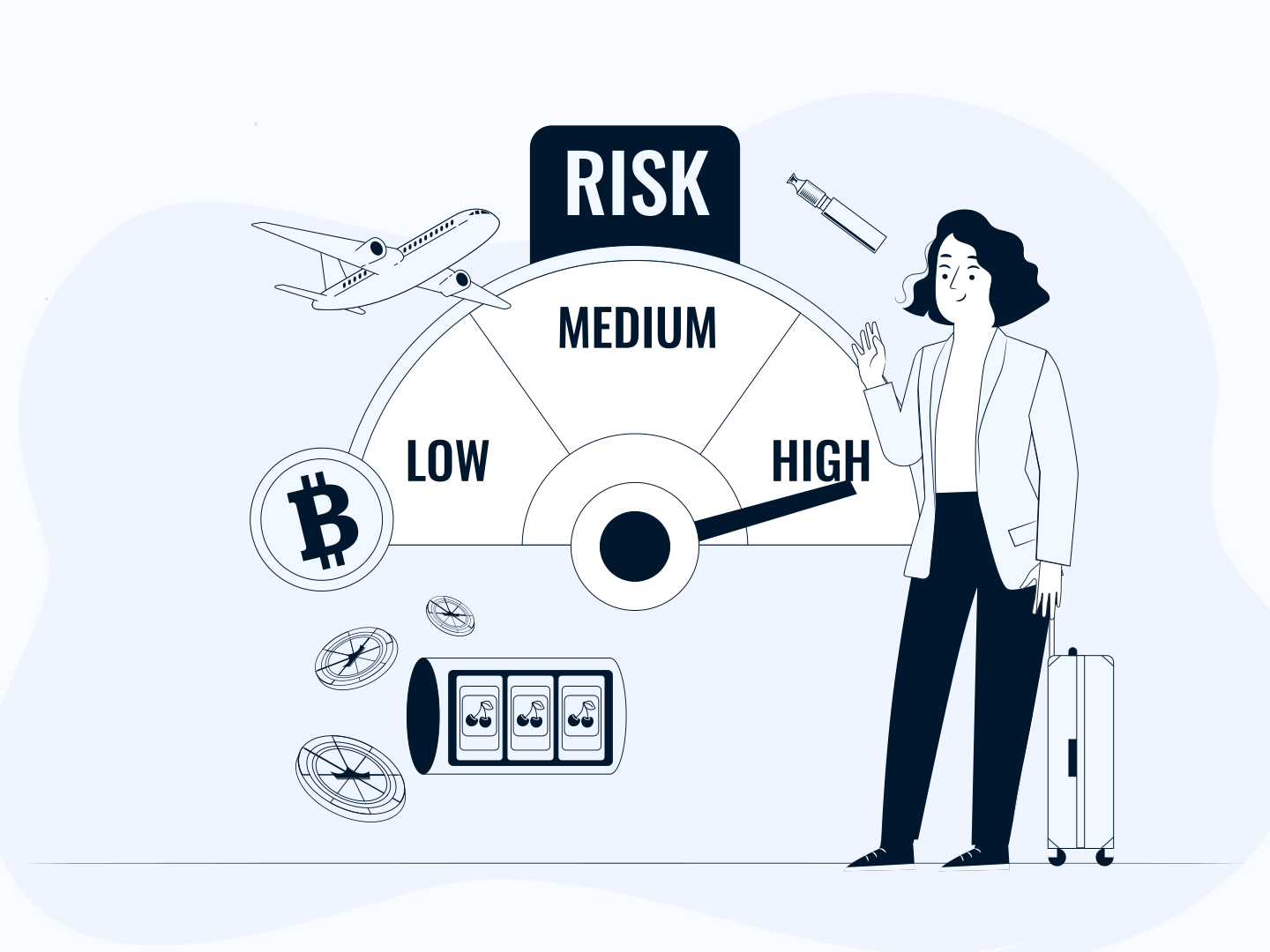
Banks and card schemes classify adult content as a high-risk category. Payments in that category get more fraud checks, more 3D Secure challenges and more declines than a typical online shop. Some banks decline adult merchants by default, and some cardholders have set their own blocks.
Large platforms like OnlyFans can work with several payment processors to keep payments flowing. Smaller adult businesses usually can’t, which is why choosing a processor that understands the industry matters so much for them. More on that below.
The most common OnlyFans payout issues for creators
For creators, payment problems usually show up on the payout side. Before anything else, it helps to know your payout terms, what gets deducted, and what verification OnlyFans needs from you. OnlyFans sets these rules and changes them from time to time, so check its help centre for the current details.
OnlyFans payout rejected
Rejected payouts are the most common issue, and usually the easiest to fix. They tend to come from one of these:
- An incomplete profile. To get paid, you need a verified account: email confirmed, identity documents and a photo of yourself uploaded, and a bank account linked. If a step is missing or your details have changed, payouts can be rejected. Go through your account information and make sure everything is complete and up to date.
- A banking error. Check that your bank account details are correct. If they are, ask your bank whether it accepts payments from OnlyFans, or try another payout method available in your country.
- A breach of policies. Breaking OnlyFans’ terms, or being suspected of fraud or sharing someone else’s content, can lead to rejected payouts or a closed account. If you think it’s a mistake, contact support.
Withdrawal options greyed out
Payout methods, minimum balances and waiting periods depend on your country and your account. If a withdrawal option is greyed out, check that your balance has passed the holding period and meets the minimum, and that your account and bank details are verified. If everything looks right, contact OnlyFans support.
Payout processed but not in your bank
Bank transfers can take a few working days to arrive, especially across borders or over weekends and holidays. If the money hasn’t arrived after that, ask your bank whether an incoming payment is pending or was returned, and give OnlyFans support the payout date and amount.
Refunds and chargebacks
For fans, filing a dispute or chargeback with your bank can lead to your OnlyFans account being limited. If something went wrong with a purchase, contact the creator or OnlyFans support first.
For creators, chargebacks are taken from your earnings, and frequent chargebacks can put your account at risk. Describe your content honestly, deliver what you promise and stay in touch with your subscribers to keep disputes down.
Payment delays
Delays are usually caused by missing or outdated verification details. If you’re often waiting longer than expected and your details are correct, contact OnlyFans support, which can see what is happening with your account.
Running your own adult platform? Get a high-risk merchant account
If you’re a creator ready to sell directly from your own site, or you run a creator platform, cam site or other adult business, you need your own payment processing. Mainstream processors rarely accept adult businesses, so you need a high-risk merchant account from a provider that works with the industry.
With a dedicated adult merchant account, you can take card payments under your own terms, set up subscriptions, and use a discreet billing descriptor your customers will be comfortable seeing on their statements.
Our experience with adult merchants
At FastoPayments, we’ve worked with adult businesses from start-ups to established platforms, and each one needs its own solution, even within the same sector. Here’s what two of them say:
Finding and keeping a decent payment processor in this industry was our main problem. We were forced to switch from our previous processor because they lost VISA due to a change of laws, which cut the payments we were processing into half. Our main priority was to find a new primary processor that would, first and foremost, be trustworthy. Also, someone who’d be able to deal with the rapidly changing regulatory issues and steer clear of any losses we had endured ascribed to the same recurring problems. They were quick to reply when we were in an urgent need of a new processor and we were able to get through the on-boarding process promptly, which seemed to be long-drawn-out with other providers. Working with FastoPayments has been a pleasure all in all, a great helpful team to have by your side in this industry.
Risto Seeberg, CEO and Owner of TSD Media
Our previous providers weren’t dependable nor sustainable enough as they couldn’t support our website through our growth. We kept getting declined by bank after bank owing to the fact that we were growing briskly in a very high-risk field. We were searching for a payment provider that’s attentive, supportive, and solution-oriented. Since our fast-paced industry requires quick thinking and a lot of problem solving to keep things moving and to avoid significant forfeitures, like having our account closed by an acquirer. FastoPayments’s team helped us find a sustainable solution and equipped us with several options. Our experience working with them has been fantastic. They’re quick on their feet and their proficiency in the field is incomparable.
Pau FF, CEO and Owner of Destacamos
Frequently asked questions
Why does OnlyFans say “transaction could not be processed at this time”?
Usually because your bank declined the payment or a 3D Secure security check wasn’t completed. Check your card details and balance, approve the payment in your banking app, and call your bank if it keeps failing.
Why won’t OnlyFans accept my card?
Common reasons are wrong card details, an expired card, insufficient funds, a card type that isn’t accepted, or a bank that blocks adult merchants. Try another card, or ask your bank whether it declined the payment.
Why is my card greyed out on OnlyFans?
A greyed-out card usually can’t be used right now, for example because it failed verification or has expired. Remove it, add it again with the correct details, or add a different card.
What does “this charge requires authentication” mean on OnlyFans?
Your bank wants you to confirm the payment with 3D Secure, usually in its banking app. If you don’t approve it in time, or the bank rejects it, the payment fails. Try again with your banking app open.
Why was my OnlyFans payout rejected?
Most often because the account verification is incomplete or the bank details are wrong. Check your profile and bank details, and contact OnlyFans support if everything looks correct.
Who should I contact if my OnlyFans payment keeps failing?
Start with your bank, which can tell you whether it declined the payment and why. If the bank approved it, contact OnlyFans support.
Next step
If you run an adult business and payment problems are costing you sales, the right processor makes the difference. Fasto works with adult, subscription, nutraceutical, gaming, dating and hospitality merchants, and approval typically takes two to three weeks.
Get a free quote for a high-risk adult merchant account.